Login with Google

Vitamin C serum
$34.00
In bag

Connecting Global Intelligence—From AI, ML, IoT, Robotics to Silicon Smarts—in One Unified Platform
Deep Tech's AI Coding Platform
Powered by frontier LLMs
Describe what you want in everyday language. AI Code Express (ACE) — BigDataLogin’s AI coding tool with ACE Agent — turns it into code, scaffolds, and full projects—from web apps to AI, ML, IoT, Industrial Robotics, Space Tech, Quantum, Aerospace, and Silicon Smarts workflows.
Current version 1.0.23
How it works
Installing on your computer…
Install the free desktop app on Windows or Linux—no technical setup. Founders, students, and teams all start here.
How teams work in ACE
Choose a deep-tech scenario—satellite telemetry, IoT firmware, robotics, or neural search—and watch ACE reason through the task, generate code with file-level diffs, and open a live preview in the same workspace.
You
AI Code Express (ACE)
Click a task to run the agent and load a live preview.
Zone A · PID stable
Everyday software projects
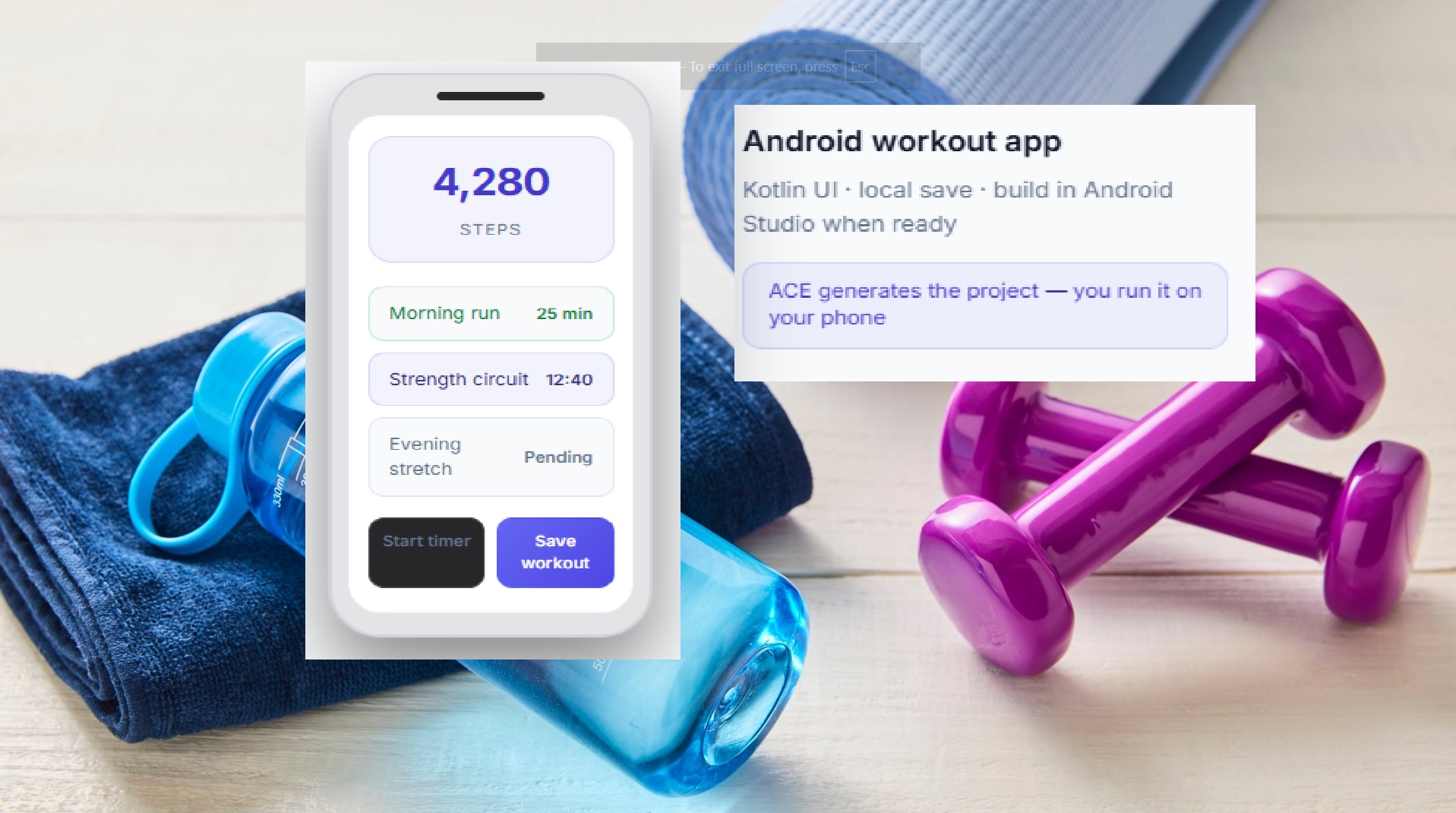
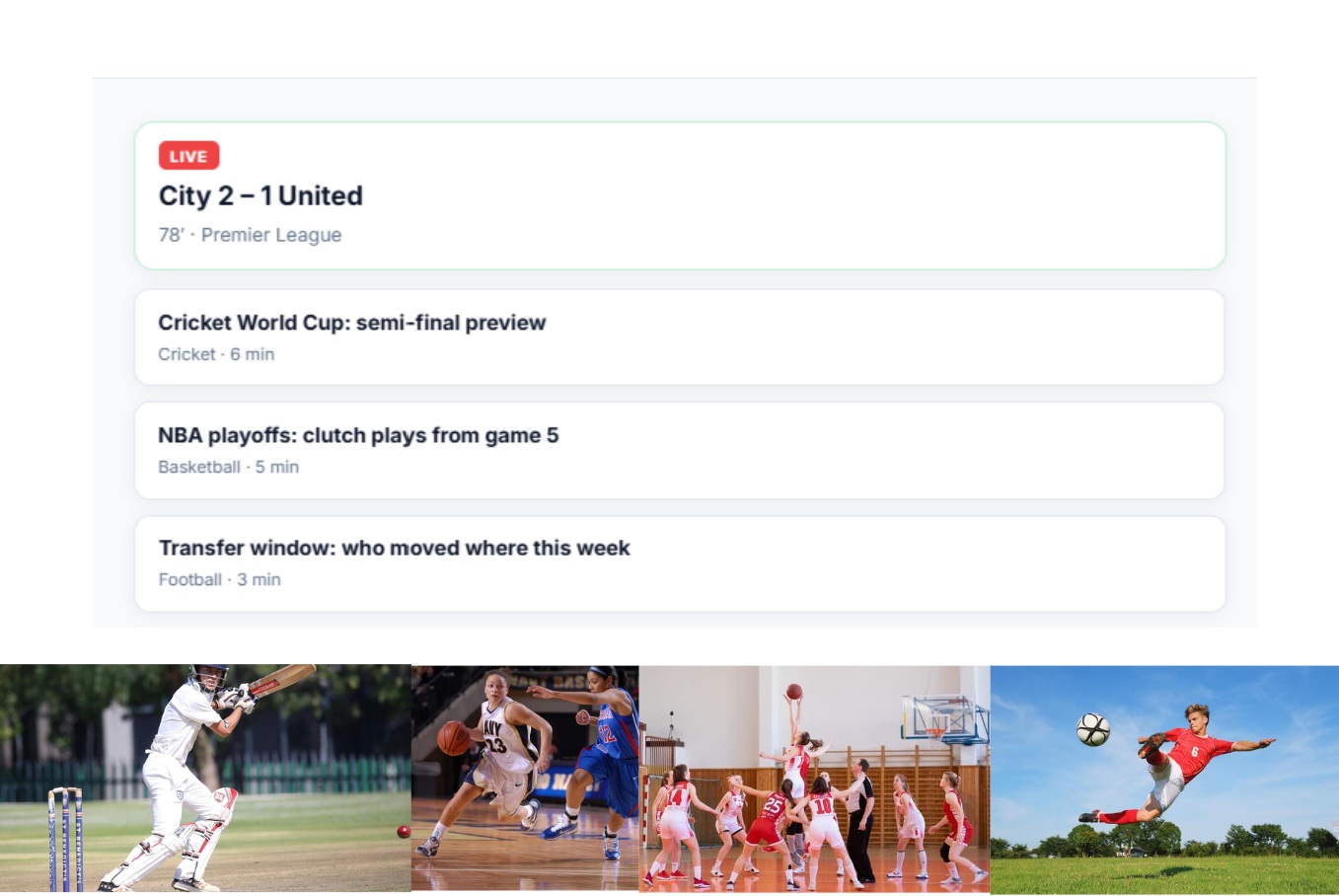
ACE builds real websites and mobile app projects—not only deep tech. Pick a scenario below and watch plain-English prompts turn into a beauty store, sports blog, Android workout app, full-stack site, AI agent, or CRM—with a live preview in the same workspace.
You
AI Code Express (ACE)
Click a project to run the agent and open a live preview.
New season glow
Free shipping over $50
$34.00
In bag
$22.00
In bag
$28.00
Add to bag
 Top story
Football · Match report · 4 min read


Frontend · app.novasync.io
API · /api/v1
GET /users200POST /auth/login201GET /projects200PostgreSQL · Prisma · JWT
Found 12 open tickets · 3 need billing follow-up. Drafts ready in the sidebar.
Lead
Qualified
Proposal
Won
End-to-end delivery
Follow an IoT edge monorepo from GitHub pull and workspace indexing through Composer edits and ace test validation—ACE prepares and verifies your project; you push and deploy with your own pipeline.
Pulling from GitHub…
Composer patch validated on edge — running ace test suite and live fleet telemetry.
AI Code Express (ACE) IDE
AI Code Express (ACE) is BigDataLogin’s desktop app for real software projects—from online shops and school systems to IoT firmware and data tools. Type what you need in normal words, see the changes, test your work, and push to GitHub when you are ready.
You stay the boss. ACE reads your project, explains what it will change, and updates the right files. It asks a quick question when something is unclear—so you are never surprised by a huge rewrite.
Real products mix many file types—C++ on the device, TypeScript for the website, Python for models, and config files. ACE keeps them together so the helper understands how they connect.
ACE is not only for sensors and robots. Students, startups, and business teams use it for normal websites and apps—the same agent, plans, tests, and editor you saw above.
Pull your repo into ACE, let it learn the codebase, fix things with the assistant, and run built-in checks. When ACE says you are good, you commit and push with your own Git tools—ACE does not replace your hosting or deploy setup.
The four stories above show the big picture. Here is what else you get in the app—named in plain English so anyone on your team can follow along.
Your AI helper in the sidebar. Tell it what you want in normal words—it reads your project and writes or fixes code for you.
A simple checklist for each job. ACE breaks big work into steps and you can see what is done and what is still open.
Found something broken? Point ACE at the bug. It looks at the error, finds the right files, and helps you patch them step by step.
Run your app or tests with one click. You see clear pass or fail messages—no guessing if the change worked.
A built-in command window. Run installs, builds, and scripts the same way you would in any terminal—without leaving ACE.
Plug in a board over USB and stream firmware logs beside your code—filter output, read hex, send commands, and reconnect when a device drops. No separate serial monitor app required.
One place to set your project folder, how ACE should behave, and your account. Easy to find, easy to change.
ACE can write tests for your code—like “does this sensor function return the right value?”—so problems show up before you ship.
Before a large change, ACE drafts a short plan: what files it will touch and why. You review it first, then say go—no surprises.
AI Code Express · Proprietary IP
More than an editor: a sovereign AI ecosystem. ACE IDE (AI Code Express) is BigDataLogin’s proprietary development environment — we own 100% of the intellectual property, ensuring a secure, governed environment.
ACE IDE spans 11 high-growth deep-tech domains — from orbit to industry floor.
Rocket Tech, Satellite Tech, Avionics Firmware, Space Communications, Space Traffic Management, Launch Vehicle Telemetry.
Generative AI, AI Agents, RAG/Enterprise Search, NLP/voice AI, Computer Vision, Deepfake Detection.
Smart Sensors, Digital Twins, Predictive Maintenance, Smart Grid, Cold Chain Monitoring.
Swarm Drones, Cobots, Underwater Robotics (AUV), SLAM, Robot Manufacturing.
Driverless Vehicle Tech, Sensor Fusion, V2X, EV Tech, Battery Management (BMS).
Carbon Tech, Methane Leak Detection, Renewable Energy, Environmental Monitoring.
Genomics, Sequencing Pipelines, Drug Discovery AI, MedTech Imaging.
Semiconductors, Embedded Systems, RTOS Development, TinyML/Edge AI, FPGA, ASIC Design.
Precision Agriculture, Hyperspectral Crop Monitoring, Autonomous Tractors.
Factory Automation, Industrial Analytics, Mission-critical Engineering Software.
Advanced Computing, Quantum Key Distribution, Material Science Computing.
Free download for Linux or Windows—or book a short demo and we will show ACE on your kind of project.
Current version 1.0.23
Publisher verified
Our Windows installer is digitally signed with a code signing certificate. Your PC can verify the publisher before you install.
Signed by BigDataLogin Alphaomega Pvt Ltd
Check Properties → Digital Signatures on the downloaded .exe file.
Plan your project here — get a Master Design Document and Structured IDE Prompt for ACE IDE, then build and run your project in ACE IDE on your desktop or laptop.
Build in ACE IDE when your plan is ready. AI can make mistakes; review documents before use.
Planning docs here · Structured IDE Prompt for ACE IDE
Our Neural Engine allows individuals & companies to instantly source production-ready code, verified talent, curated datasets, and pre-screened vendors in one unified platform—all from a single prompt.
Powered by BigDataLogin AI