
94% spatial lock
Powered by Frontier AI Robotics Models
Build Robotics & Spatial AI apps in ACE — live watch to edge fleet
In ACE IDE you inspect scenes, stream live ER 2 analysis, manage multi-camera edge gateways with motion triggers, and roll up fleet KPIs — using frontier AI Robotics APIs for spatial reasoning, gauge reading, task planning, motion-triggered alerts, and VLA (vision-language-action) handoff — then package, deploy, rollback, and export KPIs to EBS from one platform.
Live ER 2 streaming watch Multi-camera edge · motion triggers Fleet rollup · KPI export · ROI masks Deploy rollback · EBS integration · ROS 2 VLA handoff · vision-language-action intent
Live streaming
ER 2 real-time watch
Multi-camera edge
RTSP · HTTP · motion trigger
Fleet & KPI
Rollup · EBS export · ROI
Deploy & rollback
Snapshot · restore · EBS
VLA handoff
ER 2 sees → VLA JSON → Partner acts
ACE is the vision and planning layer. A partner robot adapter runs the motors — JSON handshake only, not native OEM motion code.
ER 2 sees
RECTote seated at Bay A-12. Cell clear for a partner fetch.
VLA intent
GET /api/vla-handoff
{
  "kind": "vla_handoff_intent",
  "execution": "partner_vla_required",
  "goal": "Move tote from Bay A-12 to staging",
  "robot_steps": [
    {"id": "1", "title": "Approach Bay A-12"},
    {"id": "2", "title": "Fetch tote to staging"}
  ]
}
Structured intent over HTTP — ACE does not move joints.
Partner robot
OEM adapterAdapter maps JSON steps to plant motion — ACE provides the brain.
Plant floor watch
Cameras watch the bays. ER 2 reasons. Partners move.
Illustrative warehouse cell — fixed cameras, mobile cobot vision, conveyors, and bay activity. In ACE, Robotics-ER inspects frames and hands off VLA intent to partner systems via OTA (over the air), Zip file, USB port, or plant webhook; partner systems run the motors.
Cell robot
Bays
Mobile cobot
REC · fixed cam
ER 2 sees
- Fixed camera watches bays and lines
- ER 2 reasons on frames in ACE
- Cell robot + cobot act via partner adapters
- Illustrative only — ACE does not drive motors
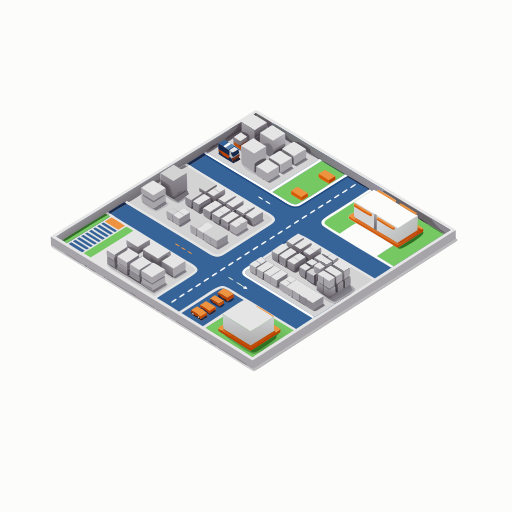
Fleet rollup
Warehouse fleet grid — ACE flags conflicts, partners move
Five partner AMRs on a plant floor. ACE polls edge gateways and reasons spatially with ER 2. When two paths would cross, ACE posts a VLA yield / replan intent — partner adapters run the motors. Illustrative only: ACE does not drive joints or speak VDA 5050 natively.
- Partner AMRs are the five labeled nodes (R-3725 …)
- Radar ping is ER 2 spatial conflict → VLA replan
- Sidebar is ACE logic — inspect, fleet rollup, handoff
- Not ACE — native VDA 5050 or motor control
Open Robotics-ER
In ACE IDE, open the Robotics-ER panel. Choose a playbook or type a software task goal.
Analyze or plan
Send camera frames or stills. Get points, readings, safety status — or a step-by-step software task plan.
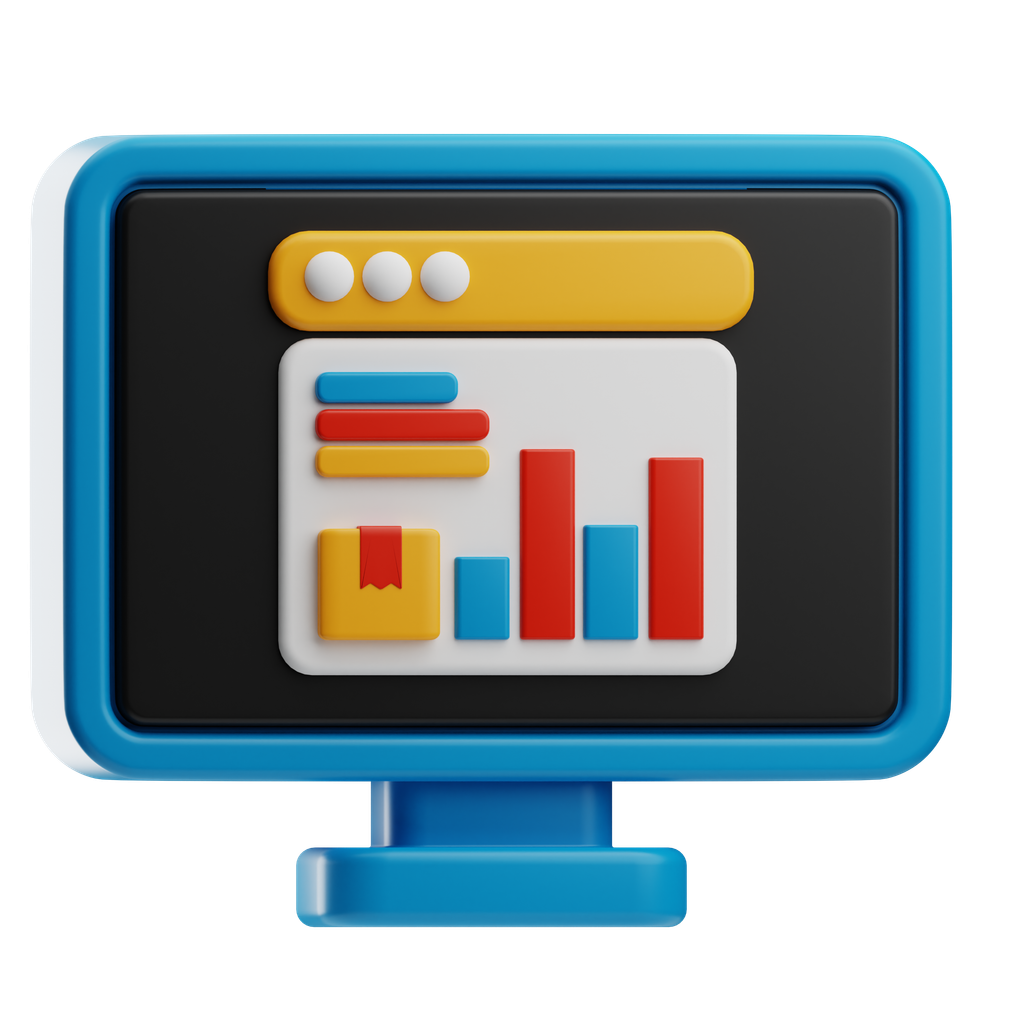
Live dashboard
Create a plant-branded inspection board and preview it in ACE Live Preview.
Edge / ROS 2 / VLA handoff
Start a local edge gateway from ACE, export a ROS 2 pack, or publish VLA (vision-language-action) intents for partner robot motor execution.
Platform story
Why use Robotics-ER in ACE?
Frontier embodied-reasoning models are the vision + planning layer. ACE is where ops and developers run the panel, preview dashboards, and hand off to edge or ROS 2 — without building a Computer Vision (CV) team or driving motors.
Developers
Export Edge / ROS 2 packs with VLA handoff from real analyze + task-plan JSON. ROI masks, motion triggers, fleet rollup, and deploy rollback built in.
Operations teams
Turn camera feeds into gauge readings, inventory checks, safety alerts, and software task plans — Live ER 2 Watch, motion-triggered analysis, and KPI export to EBS.

Educators & students
Prototype physical-AI workflows with real Gemini calls and optional BYOK — stills or a webcam, no robot required.
Live walkthrough
Interactive walkthrough — what Robotics-ER does in ACE
Illustrated story of the shipped panel (not a live deploy). Click a step or let it auto-play.
AI Code Express · Robotics-ER
Robotics-ER
Ready — Analyze frames or Plan tasks (software plan only; no motor control)…
What happens: You open Robotics-ER in ACE IDE. Choose a playbook or enter a task goal — no custom ML training required.
Camera frame in
Structured response
What happens: Analyze (or Burst / Watch) sends frames to Gemini Robotics-ER. You get points, readings, and safety JSON — optionally Plan tasks for a software step list.
Line A — Inspection Board
From Robotics-ER Create project · Live Preview
Pressure gauge
—
PSI
Pass rate
—
%
Objects detected
—
units
Safety status
—
compliant
What happens: Create project builds a plant-branded dashboard under Documents/ACE-Projects and opens Live Preview in ACE.
ER 2
JSON
→
Partner
✓
Validate edge pack
◇
Package zip
◇
Start gateway :3860
◇
Health / telemetry
ACE Robotics-ER · edge gateway
What happens: Edge pack validates, packages, and starts a local gateway with deploy snapshots and rollback. Plant hosts copy the zip; OEM systems consume webhooks, ROS 2 topics, or VLA intents — ACE provides the brain, not the motors.
Real-world applications
Where end users apply this
Visual inspection
Photograph gauges, sight glasses, or product lines in ACE. Robotics-ER reads values, flags anomalies, and records structured JSON — with Watch alerts and Live Preview dashboards.
Warehouse & inventory
Count boxes, verify labels, and check shelf compliance from webcam or stills using the inventory playbook — then export a plant dashboard or edge gateway from ACE.
Robot task planning & VLA handoff
Describe a goal in ACE — Robotics-ER builds a software task plan with VLA (vision-language-action) intent. Publish to ROS 2, plant webhook, or partner VLA for motor execution. ACE provides the brain; your OEM handles the motors.

Safety & compliance
Run the safety playbook on camera frames to audit workspaces for hazards, then alert operators in Watch mode or forward status to plant systems.
Start building Robotics AI in ACE today
Inspect, plan, dashboard, VLA handoff, and edge / ROS 2 deploy in one IDE — with frontier AI robotics APIs, without ML expertise.
ACE helps you build and deploy the software layer that uses these models. ACE does not replace robot motor control. After access is enabled, open ACE → Settings → Refresh profile.